
-
Is there a limit for data.com records? How much can I use for free?
Hi,
Is there a limit for data.com records?
how much can I use for free?


Log In to reply.

Popular Salesforce Blogs

How To Use Picklists In Salesforce Marketing Cloud
Picklists you say? Picklists are basically dropdowns used to let users choose from a series of values. Picklists can help you simplify data entry (time…


6 Ways to Improve Salesforce Release Management
Salesforce was initially planned as a CRM. Be that as it may, it's become a mainstream improvement stage because of its natural usefulness. Salesforce uses…


Client-Side Validation
Carrying out validation in the browser when a user submits a form is a technique that has been followed by the number of years. The…

Popular Salesforce Videos

Introduction to Journey Builder in Salesforce Marketing Cloud
Marketing Cloud's Journey Builder is a campaign planning tool that enables you to design and automate campaigns that guide customers through their journey with a…

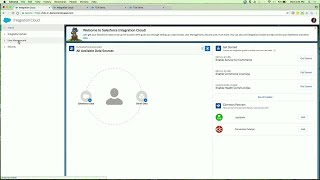
Salesforce Integration Cloud - Connect Devices, Data and Customers
Salesforce Integration Cloud incorporates an arrangement of services and tools that make it simple for clients to surface their information paying little attention to where…


Apex Design Patterns : The Singleton Pattern in Salesforce || #Salesforce #DesignPatterns
The Singleton Pattern One Private variable of the class itself will hold the instance of the complete class so that we can access all the…
