
-
How do I edit a global action in Salesforce?
How do I edit a global action in Salesforce?

Log In to reply.

Popular Salesforce Blogs

Retrieve picklist value of a Record Type using MetaData Service in Salesforce
Picklist values are able to see using standard UI of sObject then field name and then record type name. What if we want to see…


Salesforce Loops in Apex | The Developer Guide
Introduction A loop is a programming structure that repeats a sequence of instructions again and again until a specific/desired condition is met. In a loop…

Popular Salesforce Videos
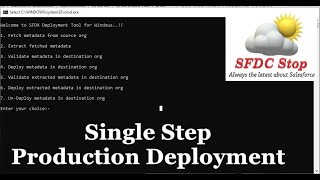
Introduction to SFDX Deploy Tool for Windows | Salesforce Integration Tutorial Series
In this tutorial, we're going to learn about SFDX Deploy Tool for Windows. SFDX Deploy Tool helps you to deploy metadata from one Salesforce org…


Easy Way to Learn Salesforce | How to Learn Salesforce Step by Step
In this video on Easy Way to Learn Salesforce, you will learn introduction to Salesforce, how to learn Salesforce easily, Salesforce as Career and Growth,…

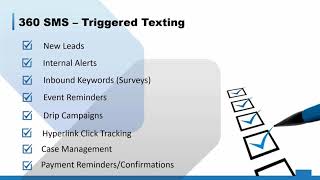
360 SMS App Demo
360 SMS App is considered to be the most reliable Salesforce SMS App. This App is listed on the AppExchange from the name "360 SMS…
