
-
Why CSS is not working in PDF created by Salesforce Visualforce?
Why CSS is not working in PDF created by Visualforce?


Log In to reply.

Popular Salesforce Blogs

Redefining the future of Marketing – Salesforce Marketing Cloud Integration with Google Analytics 360
Know your customers better and make smarter, insight-based marketing decisions through Salesforce’s massive customer relationship management platform twinned with Google Analytics 360’s market-leading digital analytics solution…


Top 10 Features in Salesforce Summer ’19 Release
Salesforce releases over a whopping 150 new features three times a year during its seasonal releases: Spring, Summer, and Winter. And one of the most…

Basic Knowledge Of Artificial Intelligence (feat. Salesforce Einstein)
Artificial Intelligence (AI) is a mechanism for a machine to “think like humans” — i.e., the machine can perform tasks with the planning, reasoning, learning,…

Popular Salesforce Videos

How to Become a Salesforce Consultant at Any Age
Companies are in great demand of skilled Salesforce consultants as a means to achieve their Salesforce objectives for better output in their business. With the…


Workplace Command Center | Salesforce
Protect employees and customers with safer workplaces. Use our Workplace Command Center to quickly take action on workplace safety.

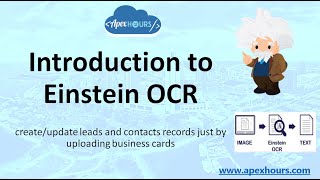
Introduction to Salesforce Einstein OCR
In this session, we will learn about Einstein OCR and Create/Update Leads and Contacts using Business Cards. Let’s welcome an amazing #Summer20 release gem –…
