
-
How to create a table of related list of object using Nintex Document Generation in Salesforce?
I have a requirement in which we have to create a dynamic table which shows the related list of child objects in the table related to the parent object.
How to create this using Nintex Document Generation?

Log In to reply.

Popular Salesforce Blogs

Maximizing Your ROI with a Skilled Salesforce Developer
Salesforce is the world's leading customer relationship management (CRM) software, which helps businesses of all sizes to manage customer interactions, sales, marketing, and customer service…


10 Ways to Enhance Your Buyer Experience with Quote-to-Cash Solutions | Salesforce Guide
When you have hundreds or thousands of leads to respond to in a single day, errors happen and you get overwhelmed. Right from sending the…


Introduction To Collections In Apex | Salesforce Developer Guide
INTRODUCTION: Collection: In general means 'Group of things'. Basically there are 4 types of collection which are as- List Set Map Array. But here we…

Popular Salesforce Videos

Salesforce Developer Tutorial - How and When to Use Apex Managed Sharing
In this episode, we go over what Apex Managed Sharing is in Salesforce when you should actually use apex managed sharing and how to actually…

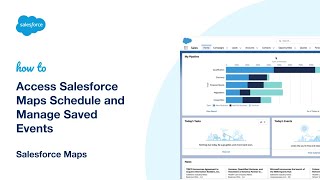
Access Salesforce Maps Schedule and Manage Saved Events
Watch this video to learn how to Access Salesforce Maps Schedule and Review and Manage Saved Events. Do let us know in the comment section…

What is the Difference Between Object and Database in Salesforce?
Salesforce Object: Salesforce Object are database table which give permission to store data that is specific to organization. Salesforce Database: The organized collection of object…
