
-
Pagination in salesforce
I’m trying to implement Pagination. Initially i want to display 50 records and when user click on Next button, the records stating from 51 to 100 should get displayed. How do I accomplish this.
Log In to reply.

Popular Salesforce Blogs

Partnership of The Year – Salesforce Team Up With Apple!
Salesforce and Apple are two popular tech giants who have simplified technology and contributed big time to the tech world. Salesforce is known as the…


Easily Migrate to Lightning Knowledge from Classic Knowledge with This Strategy Guide
Your support reps can spend hours just juggling interfaces if your Service Cloud is in Lightning but Knowledge continues to be in Classic. This switching…


Salesforce Application Development Client On Boarding Features For The Banking Industry
Banking industry has been an integrated part of everyone's life and the process involved to execute Banking operations has been quite slow, until the technological integration for its…
Popular Salesforce Videos
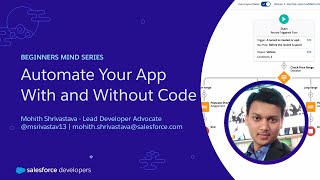
Automate Your App With and Without Code | Salesforce Developer Tutorial
In this video, you will learn how you can automate your business process with and without code. This video teaches you how to use a…


Learn About the Salesforce Products in this Tutorial Video
Salesforce is a top-rated CRM that offers businesses a diverse range of products to enhance their business model and operations. With each Salesforce product specifically…

What is Sales Cloud in Salesforce? | How it can Help Any business?
In this video, Shrey is not only teaching but also demonstrating the concept of Sales Cloud in Salesforce. 1. What is sales cloud in Salesforce?…
