
-
Salesforce1 or sforce.one.navigateToSobject not working in mobile?
Salesforce1 or sforce.one.navigateToSobject not working in mobile?

Log In to reply.

Popular Salesforce Blogs

Salesforce Lightning Dominates Dreamforce 2017 — Here are the Six Takeaways!
In the customer dominated era, CRM system plays an integral role in maintaining and accelerating the growth of a business. This is really difficult for…


View Campaign Influence Report Custom Link for Salesforce Lightning
Campaigns with Influenced Opportunities The Campaigns with Influenced Opportunities report doesn’t seem to be working in the Salesforce Lightning Experience, So here’s the solution for…


6 Tactics to Measure Performance of Your Remote Salesforce Engineers
Reluctant to hire remote Salesforce engineers? Because you can’t get that nagging feeling out of your mind — “are your remote Salesforce developers being productive or…

Popular Salesforce Videos

Salesforce Rest API | Http Methods | Salesforce Integration
This video we will discuss - What is API Different API In Salesforce Rest API in Salesforce HTTP Request HTTP methods Workbench to make HTTP…

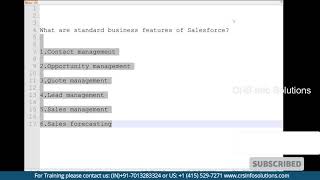
Explain Standard Business Features of Salesforce?
Standard business features of Salesforce are Contact Management, Opportunity Management, Lead Management, Quote Management, Sales Management and Sales Forecasting. Watch the video to learn all…


Deleting Contacts in Salesforce Marketing Cloud
Delete contacts to remove contact information from your Marketing Cloud Contact Builder account. Delete contact information to meet data compliance regulations. In this episode, Eliot…
