
-
What is the difference between object-specific actions and global actions in Salesforce?
Main difference between object specific actions and global actions with examples.


Log In to reply.

Popular Salesforce Blogs

Salesforce and Gmail Integration | The Perfect Integration Guide
Salesforce Gmail Integration Gmail is a free Web-based Mail service that provides users with gigabytes of storage for emails and information and provides the ability…


Learn All About IDs in Salesforce
Ids in Salesforce Hello everyone, In our previous blog we learned about Salesforce in career growth. In this blog, we are about to find out…


What is Salesforce AppExchange Development, and How Does it Help Your Business?
Salesforce has a plethora of features that help businesses across the globe to be more efficient and boost their success. However, you might encounter some…

Popular Salesforce Videos

What is Headless Commerce? | Salesforce Commerce Cloud
Brands need to keep up with this change and require a certain level of agility and nimbleness. This is where Headless Commerce is a game…


ChargeOn Payment Processing For Salesforce: Enhance Your Salesforce Payments
Do you wish to receive payments in Salesforce but are unsure how to get started? Don’t worry; we've got you covered. ChargeOn is a fully…
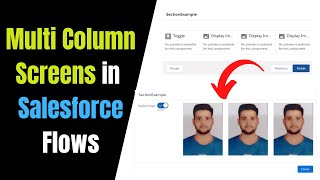
Build Multi-Column Screens in Flow Builder - Spring'21 feature for the Salesforce Screen Flows
Build Multi-Column Screens in Flow Builder (Pilot) You can divide each flow screen into multiple sections and columns to create a visually appealing and effective…
