
-
Add image/screen-shot in answers
Hi,
While answering questions, I wanted to add an image which will support my answer. Also, It helps everyone to understand the issue in an easy manner. So, Can you please provide this feature?
Thanks


Log In to reply.

Popular Salesforce Blogs

Salesforce Classic vs. Lightning: A Glance at Comparison
Salesforce Classic and Salesforce Lightning are two versions of the Salesforce CRM. If you are not aware, Salesforce provides CRM (customer relationship) entities with tools…


No Code Salesforce and Outlook Integration
Microsoft Outlook is a personally identifiable information management software system included in the Microsoft Office suite. Outlook is essentially an email client, and also contains…


How Salesforce CPQ Software Eliminates Sales Hurdles?
In this era of an automated CRM solution like Salesforce CPQ, if your sales team is still struggling in generating quotes, writing proposals and closing…

Popular Salesforce Videos
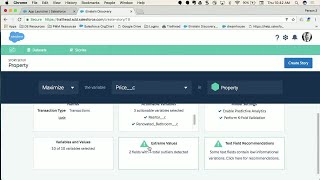
Add Intelligence to Any Salesforce App with Einstein Discovery
Bring intelligence in the context on any Force.com app thanks to the power of Einstein Data Discovery. Any Salesforce Admin or Developer can add in…

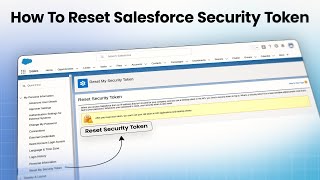
How To Reset Salesforce Security Token?
Salesforce security token is a case-sensitive unique key that is used to work with Salesforce API. In this video I will show you how to…


5 Salesforce Hacks to Boost Your Business Sales
Good sales help you to get qualified leads and customers who bring value to you as well. Hence it becomes imperative to have astute resources…
