


Popular Salesforce Blogs

10 Ways to Improve Report Performance - Salesforce Developer Guide
Do your massive reports take a long time to return data? Here are several tried and tested ways that you'll be able to maximize report…


New Salesforce CDP Innovations For Smarter Customer Interactions
Salesforce CDP is also known as Salesforce Customer Data Platform helps organizations with improved personalized customer communication strategies. Yesterday Salesforce launched new CDP innovations to…


New release of Salesforce Marketing Cloud went live on June 17
Good news for all those who are eagerly waiting for Salesforce Marketing Cloud new release. With great new features and overall enhancements, the Salesforce Marketing…

Popular Salesforce Videos
Business Days in Salesforce CRM Analytics (Tableau CRM)
It's common for businesses to want to take business days into account when showing data on a dashboard in CRM Analytics (formerly Tableau CRM) to…

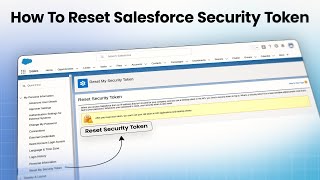
How To Reset Salesforce Security Token?
Salesforce security token is a case-sensitive unique key that is used to work with Salesforce API. In this video I will show you how to…


Algoworks is Now a Salesforce Gold Partner
Being just a registered partner back in 2013, the journey to striking Gold in 2020 has been long. On the way to getting that Gold,…
