
-
How to create a button in Quick Action of page layout in Salesforce?
How to create a button in Quick Action of page layout in Salesforce?

Log In to reply.

Popular Salesforce Blogs

How To Resolve When Salesforce Error Apex Heap Size Too Large
Salesforce upholds an Apex Heap Size Limit of 6MB for synchronous execution and 12MB for Asynchronous execution. The "Pinnacle stack size excessively huge" mistake happens…


Lightning Web Component | Salesforce Developer Guide
Lightning Web Component Presently you'll construct Lightning components utilizing two programming models: Lightning Web Components and the first demonstrate, Air Components. Lightning web components are…


Certified Salesforce Consulting Partner – A Game Changer for Businesses
In today’s digital world, businesses rely on Customer Relationship Management (CRM) platforms like Salesforce to streamline operations, enhance customer engagement, and drive sales growth. However,…

Popular Salesforce Videos
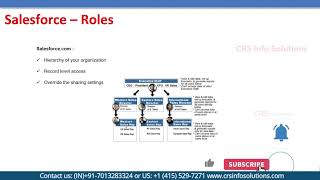
What is Salesforce Roles? Explain in Details
Salesforce Roles deals with the hierarchy of your organizations, So it will actually be based on the record level access and it can override the…


How relationship works in Salesforce?
In this video, following things have been explained: How to create relationships in Salesforce? What is the need of relationship between two objects in Salesforce?…

Quick Text in Salesforce | Service Cloud | Salesforce Tutorial
In this video, we will talk about what is Quick text and how to implement those Quick texts inside Salesforce. Watch the video and let…
