
-
How to see the whole debug log in Salesforce?
Hi All,
How to see the whole debug log?
On viewing debug log at the end it shows
*********** MAXIMUM DEBUG LOG SIZE REACHED ***********
So I am not able to see further debugs. How can I able to see those debugs?
Thanks

Log In to reply.

Popular Salesforce Blogs

Einstein Analytics: Data Sync Functionality Explained
Data Sync is a process that helps to ensure that the data in your Salesforce org is ready to be used in Einstein Analytics. This…


Salesforce for Real Estate Businesses: Benefits, Use Cases And Key Advantages
The real estate industry is becoming increasingly competitive. Buyers expect quick responses, personalized communication, and a smooth experience from their first inquiry to post-purchase support.…


Best Practices for Data Security in Salesforce
When we deal with data security in Salesforce, we are essentially talking about securing our data from unauthorized access. There might be an environment with…

Popular Salesforce Videos

How Salesforce AppExchange Can Boost Your Application's Marketing ?
Explore the key benefits of AppExchange, the largest business app marketplace, and discover how you can tap into its vast ecosystem of potential customers. In…


Marketing for Nonprofits Customer 360 Demo | Salesforce Video
Growing your nonprofit requires building relationships with lifelong supporters. Marketing Cloud for Nonprofits is a purpose-built marketing solution designed to help smaller nonprofits quickly and…

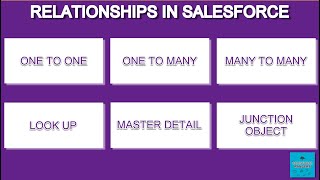
Relationships in Salesforce | Why Relationships are Created?
In this video, Salesforce Rangers goes into detail about what relationships are in Salesforce and why they are necessary in the first place. This is…
